01
Head of Global Support · System Operations Manager · Escalation Manager · Enterprise Support Engineer
Kamstrup · Sennheiser · Jabra (GN) · CA Technologies · Alfa Laval · Garmin · IBM · Lexmark · Olivetti · UDI
Worked from Denmark, Norway, Italy, India, Germany and the USA.
A selection of practical projects combining software development, artificial intelligence, and creative experimentation.
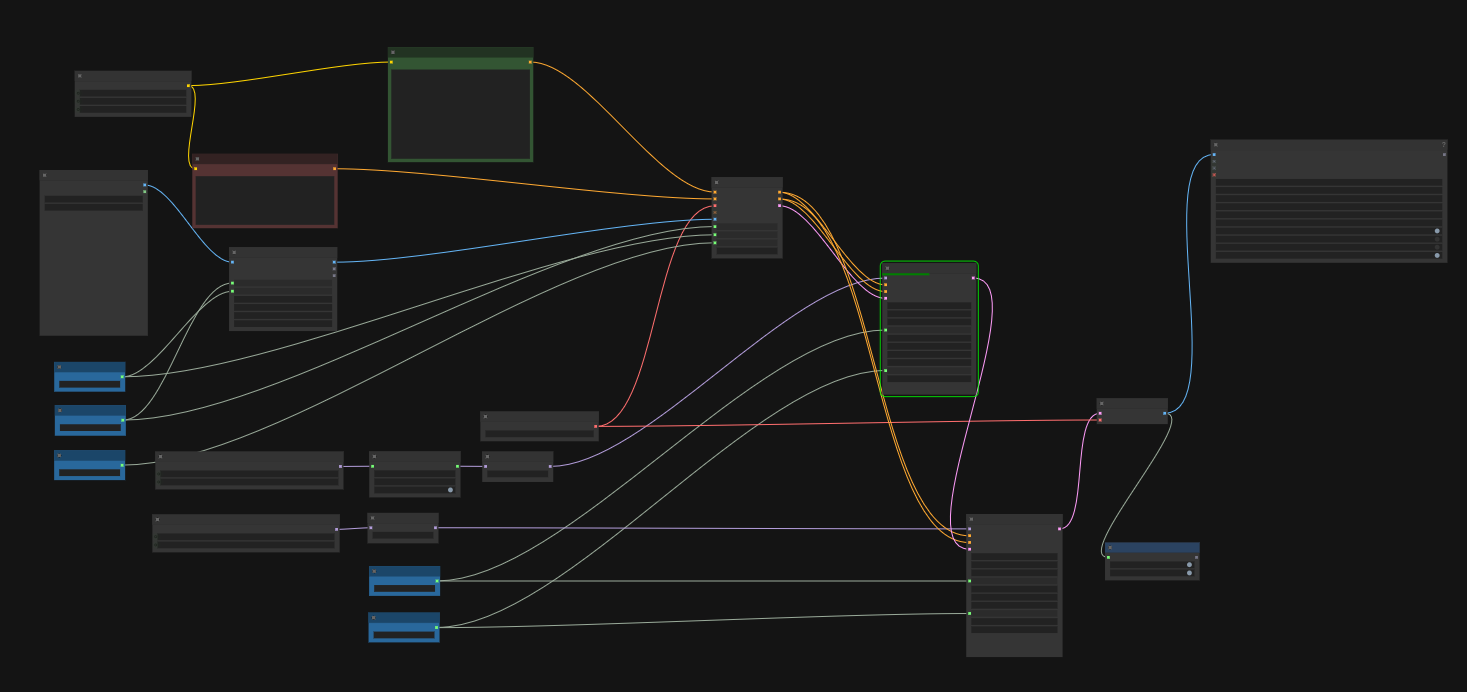
Images and videos are created entirely on my own computer, using open-source tools. No uploads to external AI services, no external AI processing.
Both can create impressive images and videos. Here is what changes when you work offline.
| Area | Cloud services | Local, offline setup |
|---|---|---|
| Privacy | Your images and prompts are sent to a provider. How they are used or stored depends on its policies. | Your images and prompts stay on your computer. |
| Cost and usage | Subscriptions, credits, and generation limits depend on your plan. | No subscriptions, per-generation fees, or provider-imposed generation limits. |
| Capabilities | You use the models, tools, and controls the provider offers. | Choose models, combine tools, automate tasks, and train models for specific needs. |
| Consistency | Results depend on the model, prompts, and available controls. | Reuse settings, reference images, and processes for more consistent results. |
| Quality | Quality depends on the models and settings available through the service. | Quality depends on your models, settings, and hardware. You have more control over the process. |
| Speed | Fast servers can deliver quick results, but queues and limits may slow you down. | Speed depends on your computer. You can run jobs continuously, even overnight. |